
Shopping Centre Robot Guide
A mobile first-contact assistant for modern malls.
Sensity turns a service robot such as Cruzr 1S into a supervised mall assistant that welcomes visitors, answers “where is…?”, promotes tenants, supports events, reports risks and escalates to staff when needed.
Visitor journey
From “I need help” to a successful visit.
The robot takes the first contact, understands the request, shows the route, promotes relevant offers and hands off sensitive cases to people.
Welcome
Recognises approach, greets visitors, offers language selection and explains it is a digital assistant.
Understand
Clarifies whether the visitor needs a store, product category, service, event, restroom, lift or food court.
Guide
Shows the floor, route and accessible path on screen, with voice guidance or a safe guided route where approved.
Escalate
Transfers unresolved, sensitive or safety-related cases to information desk, security, cleaning or operations.
Why malls need it
Help that moves with the people flow.
Static kiosks wait for visitors. A supervised robot can approach approved zones, answer repeat questions, carry campaigns into high-traffic areas and report issues before they become complaints.
- Store and tenant search by name, category or buying intent
- Directions to toilets, lifts, parking, ATMs, food court, exits and events
- Promotion of tenant offers, QR coupons, campaigns and loyalty sign-ups
- Family-friendly engagement with strict child-safety boundaries
- Risk reporting for spills, blocked paths, damaged signage and crowding
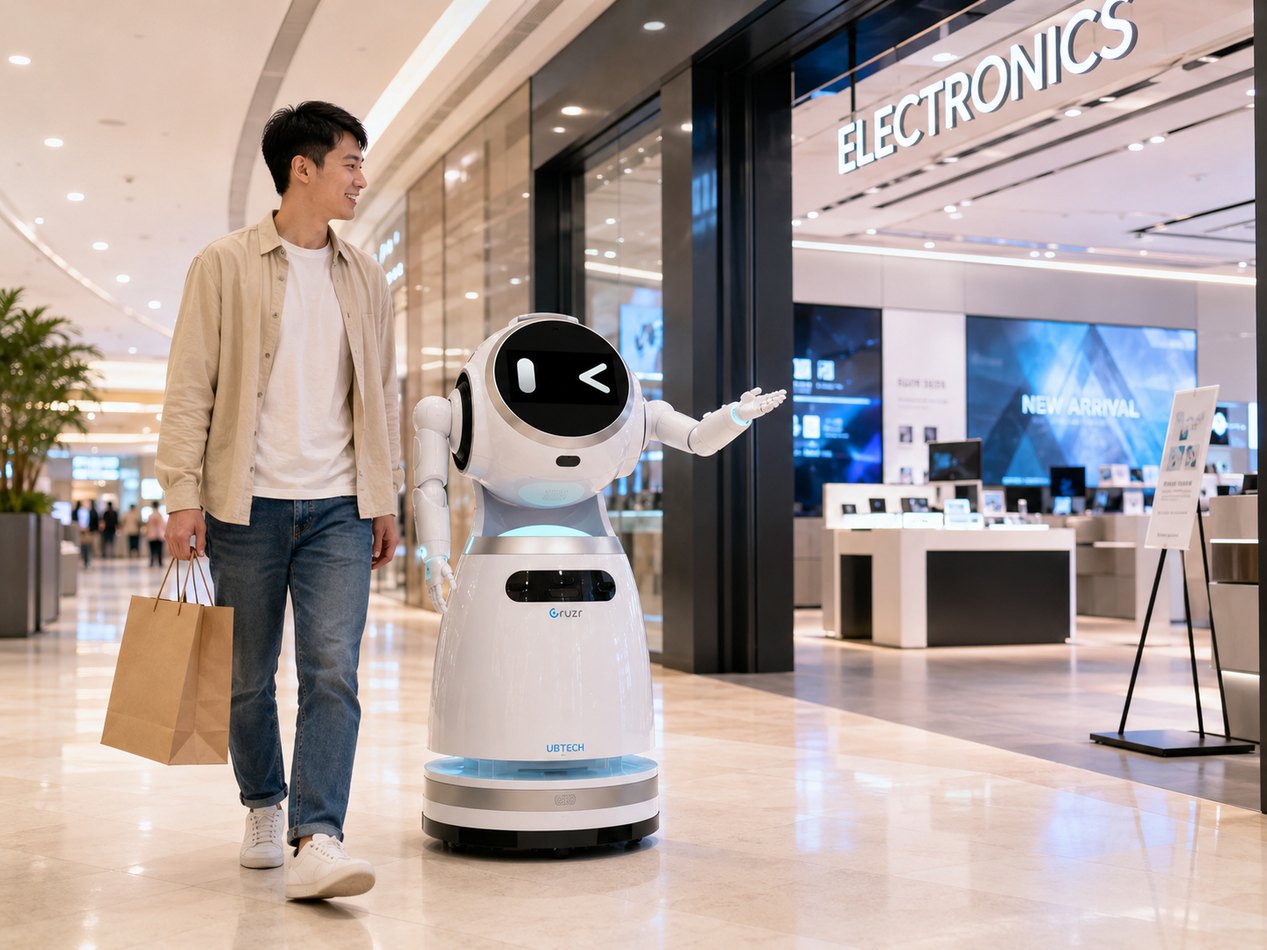
Visual examples
Shopping-centre scenarios for the robot.
Use these images for the shopping-centre page, pitch decks and demo storytelling.
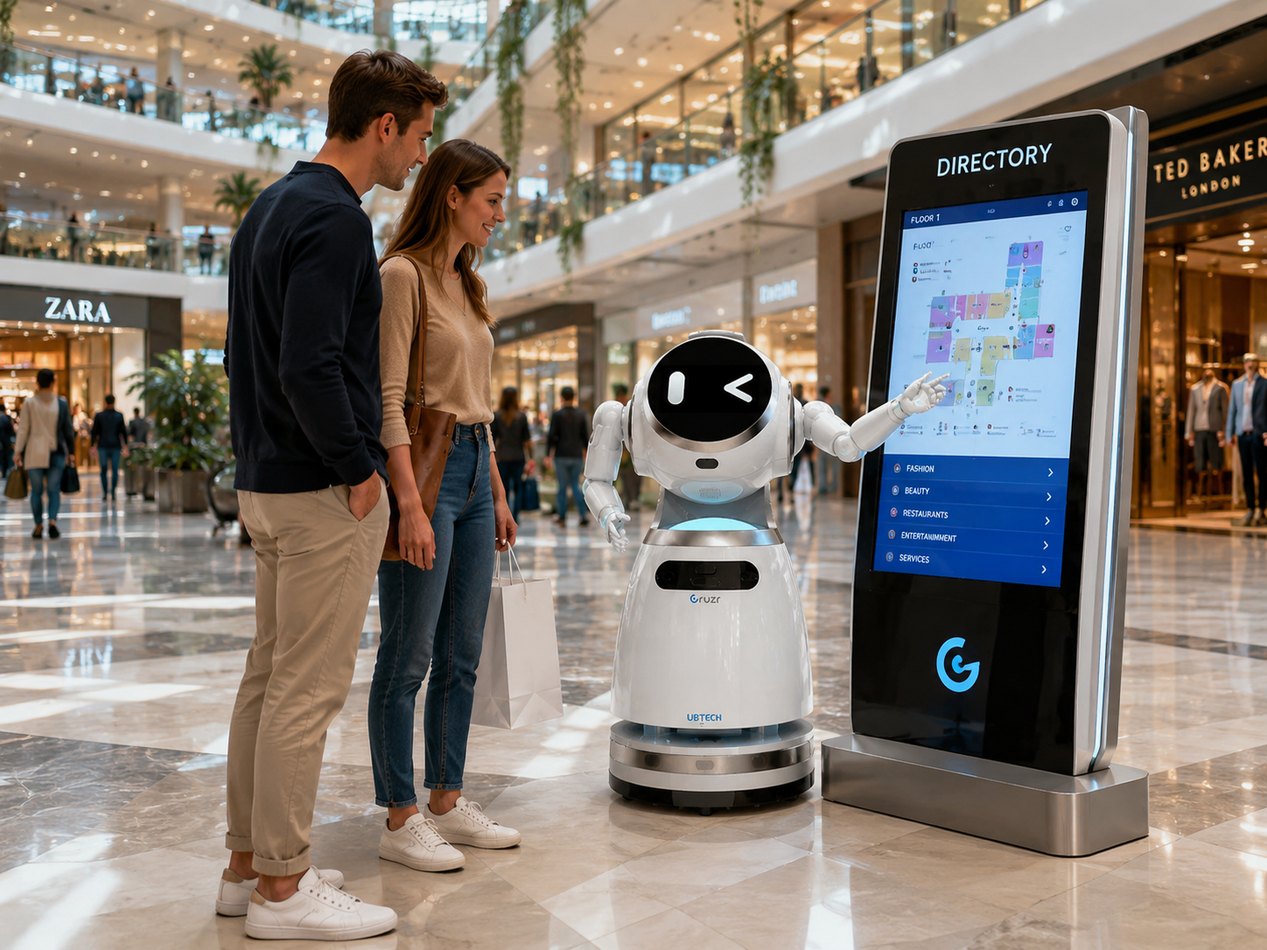
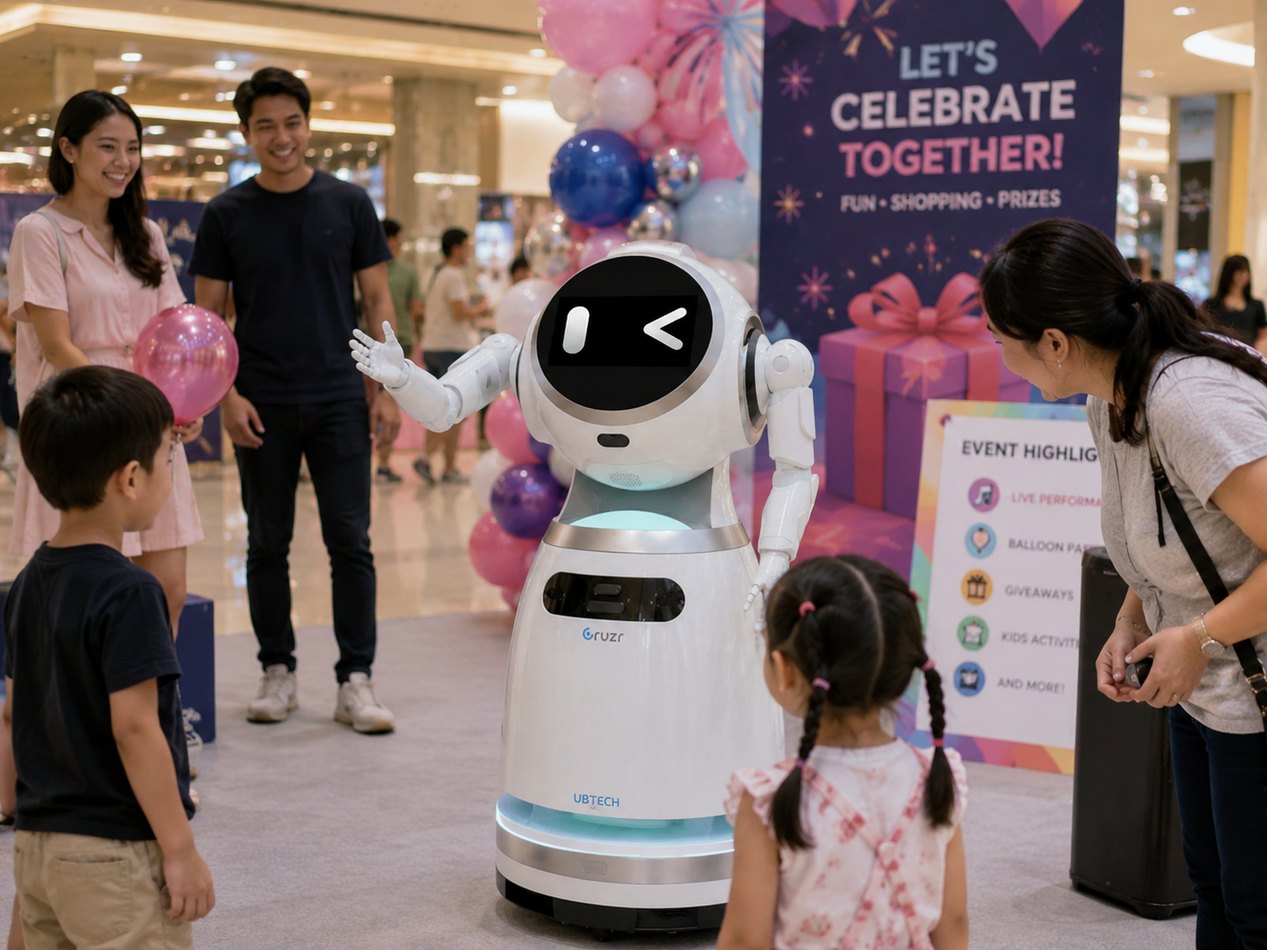
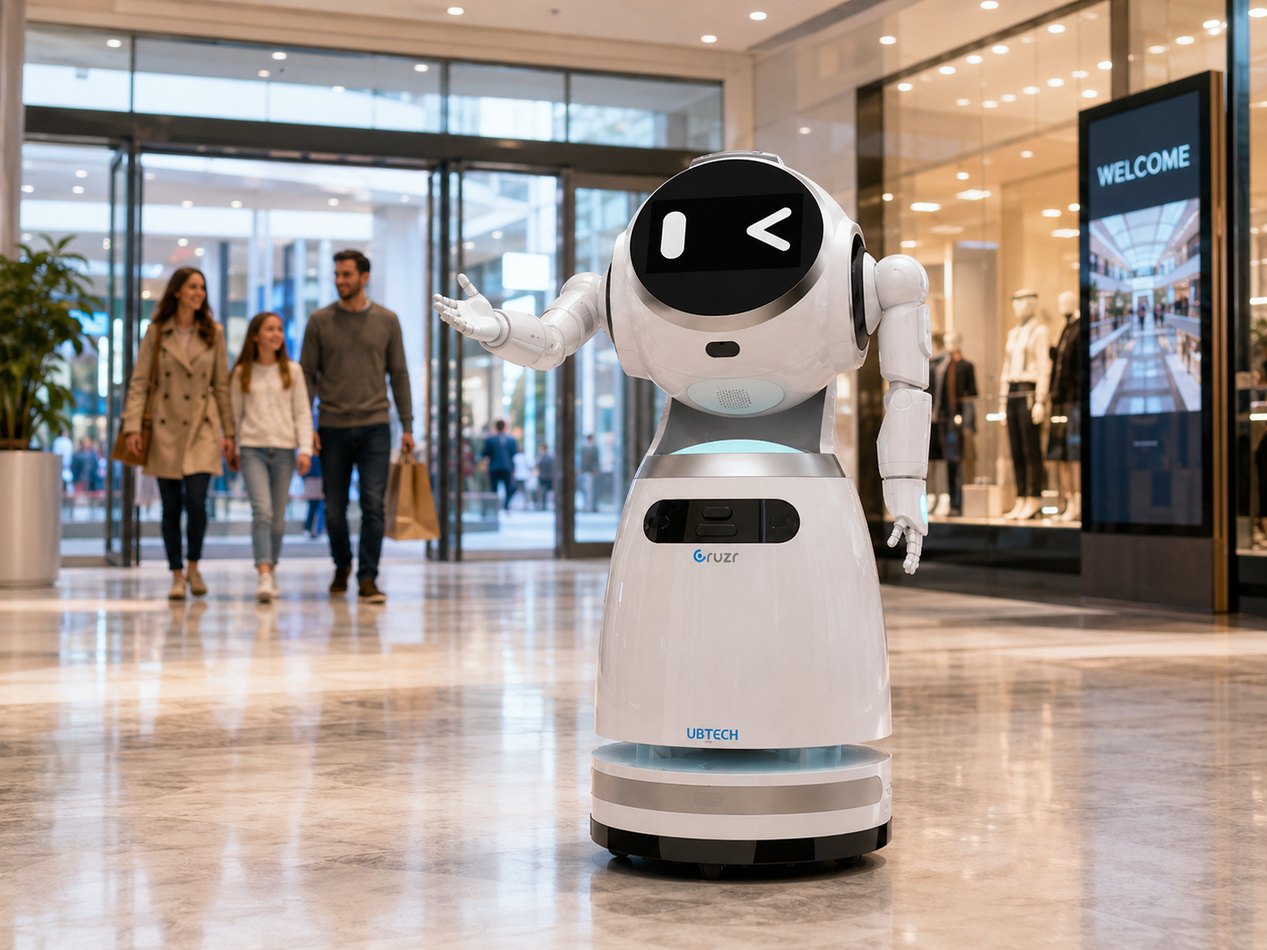
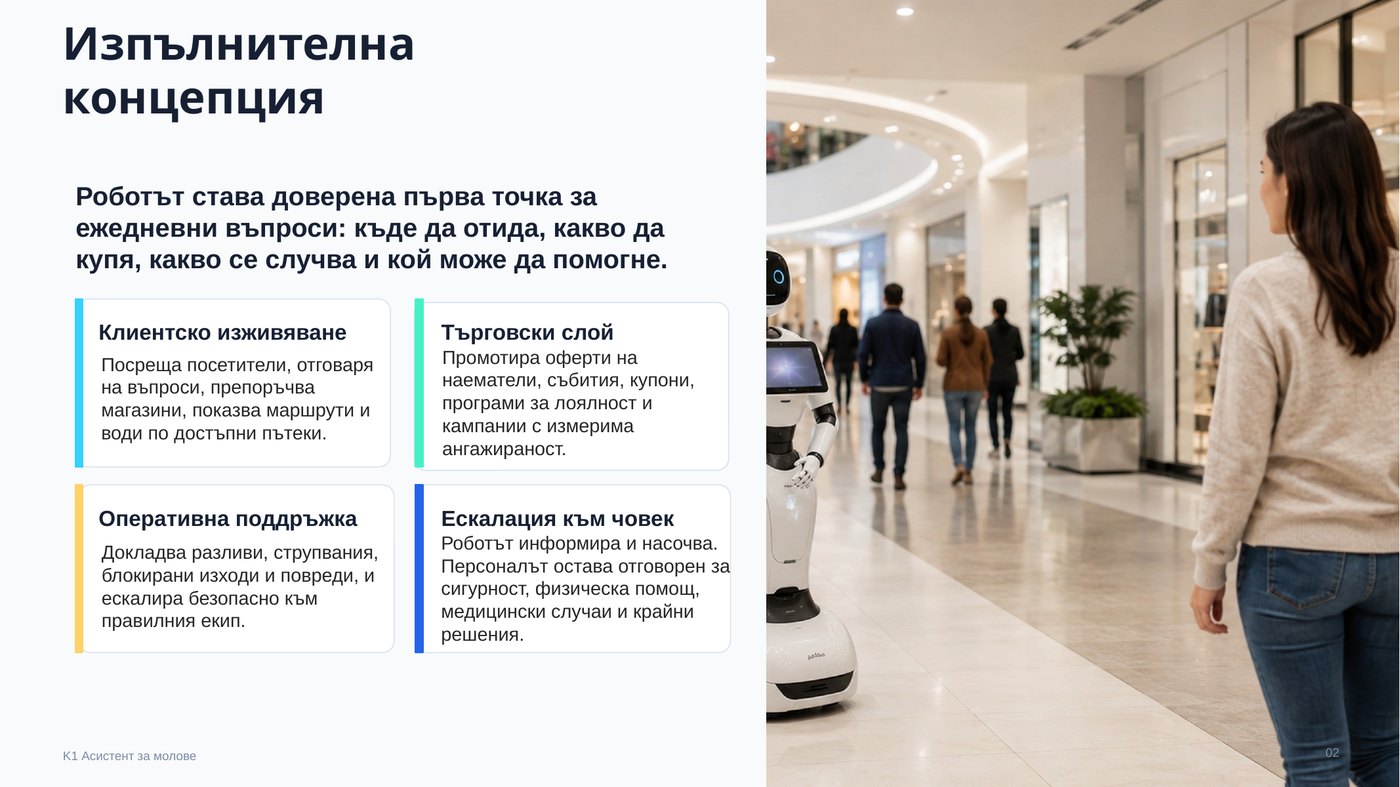
Concept model
Visitor service, tenant value and operations in one workflow.
The same assistant can support the customer journey, tenant campaigns and operational visibility without becoming an unsupervised security guard, payment terminal or childcare service.
- Customer experience: welcome, directory, route guidance and multilingual FAQ
- Commercial layer: offers, QR coupons, events, loyalty and campaign analytics
- Operations: risk reports, cleaning tasks, maintenance tickets and security escalation
- Human control: staff remain responsible for sensitive cases and final decisions
Activity map
What the robot can do in a shopping centre.
Guide and assist
Greeting, tenant directory, product-to-store recommendations, food court guidance, family support and accessible routes.
Promote tenants
Daily offers, QR campaigns, event activation, loyalty sign-up, consented lead capture and VIP concierge support.
Report and escalate
Spills, blocked exits, damaged signs, cleaning needs, lost property first handling and emergency announcements.
Operating zones
Clear spatial rules make deployment predictable.
- Green zones: public corridors, entrances, information areas, event zones and approved promo routes
- Yellow zones: queues, narrow corridors, store entrances, lifts, family areas and parking lobbies
- Red zones: stairs, escalators, service corridors, emergency exits, toilets, kitchens, loading areas and dense crowds
- Low speed, polite distance, screen confirmation, safe stop on alarm and priority for people at all times
Helpful, not uncontrolled.
The robot does not physically assist people, chase or block customers, process card data, collect children’s personal data, give medical/legal advice or enter restricted zones.
Book a Mall DemoImplementation roadmap
Start useful and low-risk, then integrate deeper.
Standalone assistant
Greeting, directory, static map, FAQ, promotions, manual escalation and basic risk reporting.
Operations integration
Tasks for cleaning/maintenance, live event data, patrol schedules, analytics and staff console.
Tenant and loyalty layer
Tenant APIs, offers, QR coupons, stock/hour data, loyalty sign-up and consented leads.
Pilot KPIs
Measure experience, tenant value and operational effect.
- Interactions, solved questions, completed escorts, languages and escalation rate
- Successful routes, repeated questions by zone and use of accessible routes
- Promotion views, QR scans, direction requests to tenants and consented leads
- Hazards reported, time to acknowledgement, cleaning/maintenance tasks created
- Emergency stops, near misses, complaints, privacy requests and staff interventions
Phase 1 pilot
Start with navigation, promotions, events and basic risk reporting in clearly mapped green zones with a visible human escalation path.
Plan the Pilot